Discord commands
Scout registers eight global slash commands in production. During the Explore
beta, /scout remains guild-scoped to the selected beta servers. Command
replies are ephemeral — visible only to the person who ran the command —
unless the asker explicitly chooses Post publicly on a completed Scout
answer.
Command summary
Section titled “Command summary”| Command | Description | Options |
|---|---|---|
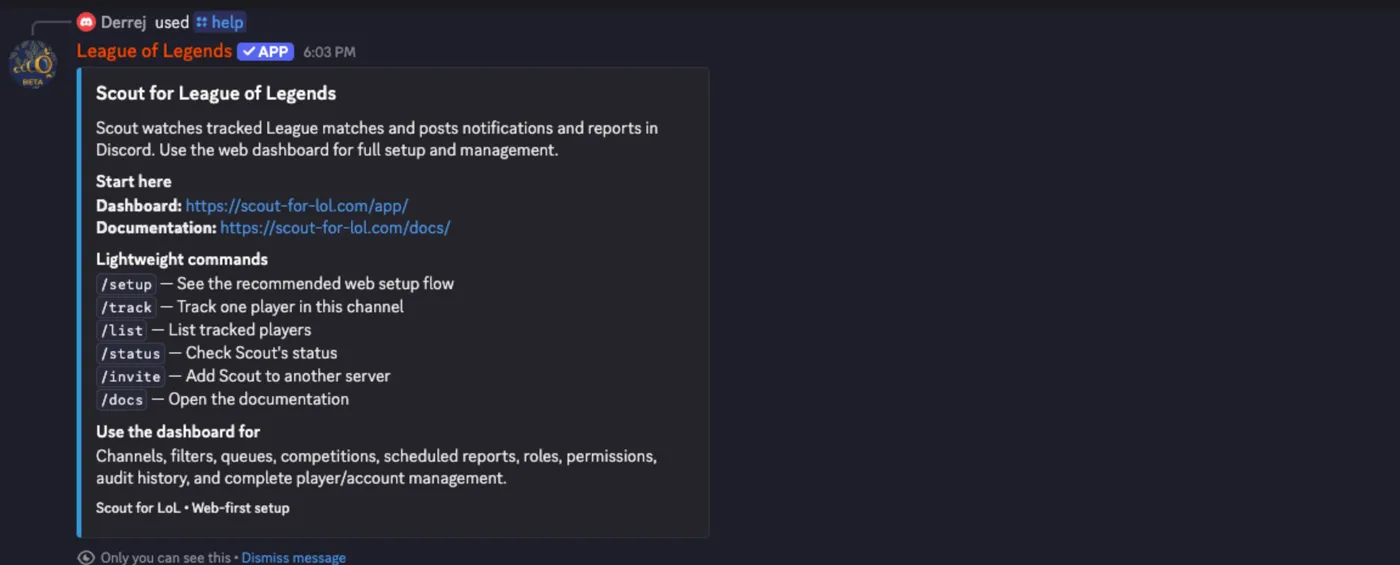
/help |
Get help and view Scout’s lightweight commands | none |
/setup |
See the recommended Scout setup flow | none |
/status |
Check Scout’s connection status | none |
/invite |
Add Scout to another Discord server | none |
/docs |
Open Scout’s documentation | none |
/track |
Track one League player in this Discord channel | 3, all required |
/list |
List the players Scout tracks for this server | none |
/scout ask |
Ask a private question about Scout match data | question, required |

Shows setup links, available commands, and ways to reach the Scout team. For
help, bug reports, or feedback, DM Scout directly or reply to a DM from Scout.
Messages are stored in a private conversation shared with Scout’s human team.
Replies are always readable in the web conversation; Scout also attempts a DM
notification. The /help embed contains the dashboard and documentation links,
the command list, and a summary of what the dashboard is for. Choose
Contact Scout in /help to write privately without opening a DM, or add
screenshots in the web form. The command also links to the support Discord
server. If Discord prevents you from messaging Scout, use the web form.
Production includes /scout ask in every server where Scout is installed;
beta includes it only in selected beta servers. Server-scoped commands appear
only where their matching feature is enabled, mirroring where they are
registered.
/track
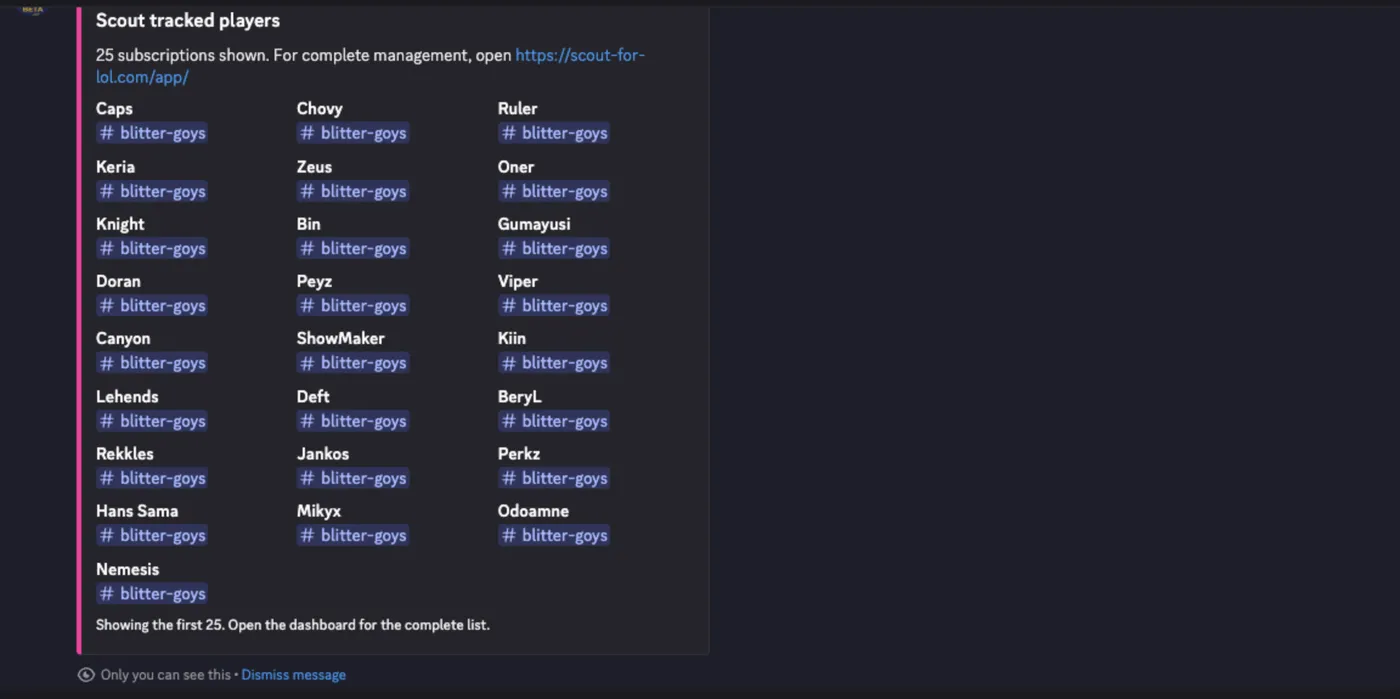
Section titled “/track”Creates a player, a Riot account, and a subscription posting to the channel the command was run in.
| Option | Type | Required | Description |
|---|---|---|---|
riot-id |
string | yes | Riot ID including the tag, for example Faker#KR1 |
region |
choice | yes | League region, picked from a dropdown of every supported region |
alias |
string | yes | Short display name for the player, 1–100 characters |
Requires the Discord Administrator permission, like the /subscription add
command it replaces — tracking a player consumes the server’s quotas and creates
recurring posts in a channel.
The new subscription is created with no queue filter, so it posts every queue. It cannot set filters, additional channels, or a Discord link; use the dashboard for those.
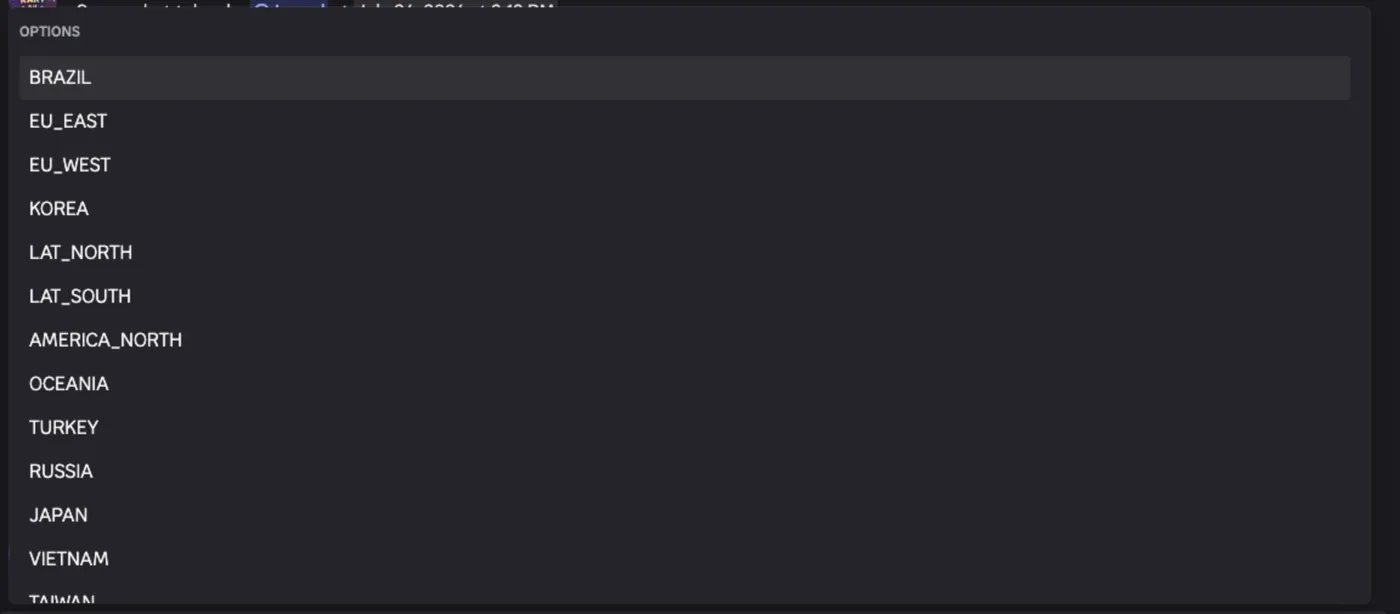
Must be run inside a server. Region values are listed in Queues and regions.
Replies
Section titled “Replies”| Situation | Reply |
|---|---|
| Created | Confirms the alias is now tracked in this channel |
| Riot account already tracked under another alias | Names the existing alias and how many channels it posts to |
| Already tracked in this channel | Says so and links the dashboard |
| Server subscription limit reached | Reports current count and maximum |
| Server account limit reached | Reports current count and maximum |
| Riot ID not found | Reports that the Riot ID could not be resolved |
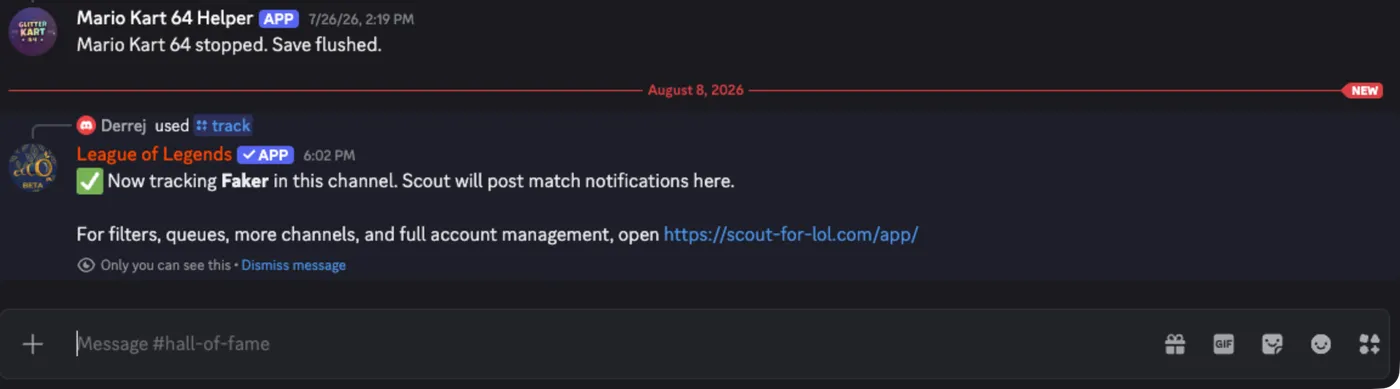
Returns an embed titled Scout tracked players, with one field per subscription showing the player alias and its destination channel.
Shows at most 25 subscriptions. When more exist, the embed footer says so and directs you to the dashboard.
Must be run inside a server.
/status
Section titled “/status”Reports that Scout is online, names the current server, and gives the Discord gateway latency in milliseconds.
/scout ask
Section titled “/scout ask”Asks Scout Explore a one-shot question over the match data Scout has ingested.
The question option accepts 1–2,000 characters. The command is available only
inside Discord servers and does not work in direct messages. Production makes
it available everywhere Scout is installed; beta keeps it limited to selected
servers.
Each invocation starts a new saved Explore conversation owned by the Discord user who ran it. The answer is initially private and can include caveats plus the last result: a Discord table, leaderboard, or KPI card for those kinds, or a generated chart image for everything else. Two buttons are shown:
- Open in Explore opens the saved conversation in the stage-correct web app.
- Post publicly copies the stored question, answer, caveats, and that same table, leaderboard, KPI card, or chart into the channel, then changes to Posted.
Publishing uses the frozen saved result. It does not run the model or ScoutQL again, does not create a public Explore share link, and does not include the raw ScoutQL, tool trace, or owner-only Explore URL. Generated text cannot mention Discord users or roles.
Discord is deliberately one-shot: use Open in Explore for follow-up questions, conversation history, branching, sharing, and other Explore tools. Failed validation and runtime errors stay private. If a public post fails, its button remains available to retry the same saved result.
/setup, /invite, /docs
Section titled “/setup, /invite, /docs”Link-only commands:
/setup— the dashboard URL and the recommended setup order./invite— an install URL for adding Scout to another server./docs— the documentation URL for the stage you are on. On beta this points at the beta documentation, not production.
What is deliberately not a command
Section titled “What is deliberately not a command”Filters, additional channels, queue selection, mute, competitions, saved report configuration, roles, permissions, audit history, merges, transfers, Discord links, and Explore follow-ups are dashboard-only. See Why Scout is web-first.